AI Website Builders vs Custom Development: What Should You Choose?
AI website builders have changed the starting point for web development.
A few years ago, even a relatively simple marketing website usually required design, frontend development, CMS setup, testing and deployment. Today, a founder can describe a website, generate the first version, connect a form and publish it without writing much code at all.
For some projects, that is already enough. The mistake is assuming that every website should now be built this way. The right choice depends less on whether AI can technically generate the website and more on what the website needs to do after launch.
What the AI website market can already offer
The market has moved far beyond tools that simply generate a landing page from a template. Today, there are several different approaches, from visual builders with AI assistance to platforms that generate actual frontend and backend code.
Framer
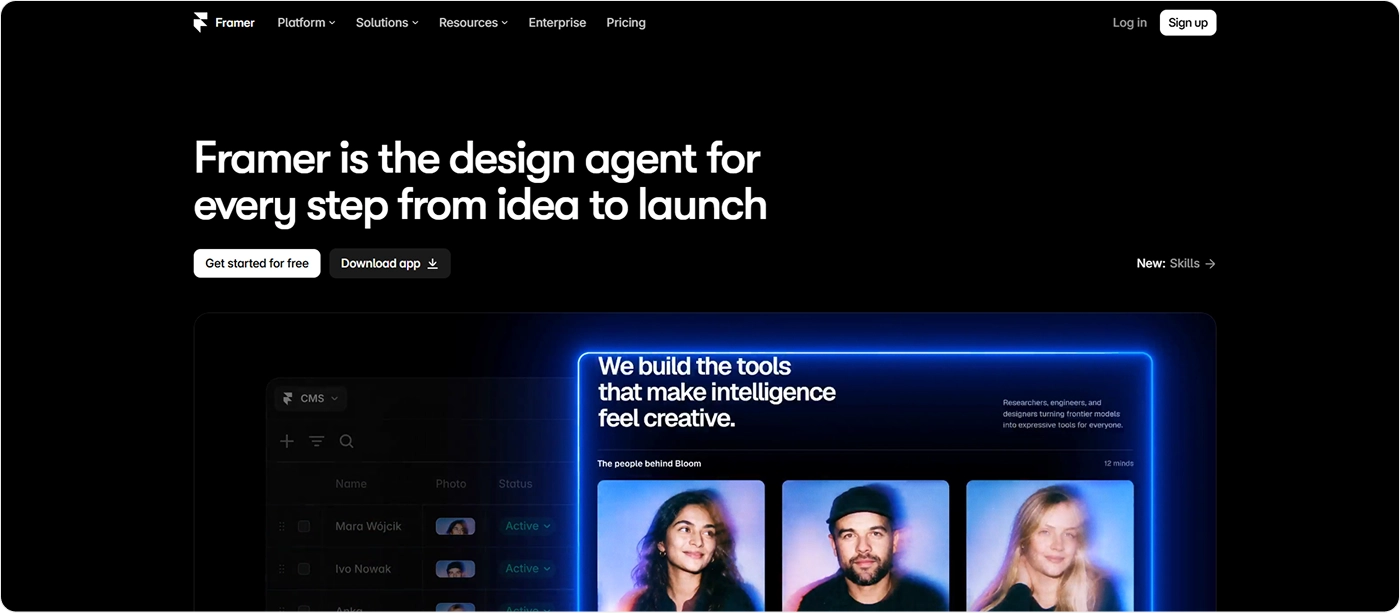
Framer is closest to a professional visual website builder with AI built into the workflow. You can generate pages, sections, copy and visuals from a prompt, then refine the result manually on the canvas. It also includes CMS, forms, SEO controls, analytics and managed hosting.
It makes the most sense for marketing websites, portfolios, startup sites and other projects where visual control matters more than custom backend logic.
Squarespace Blueprint AI
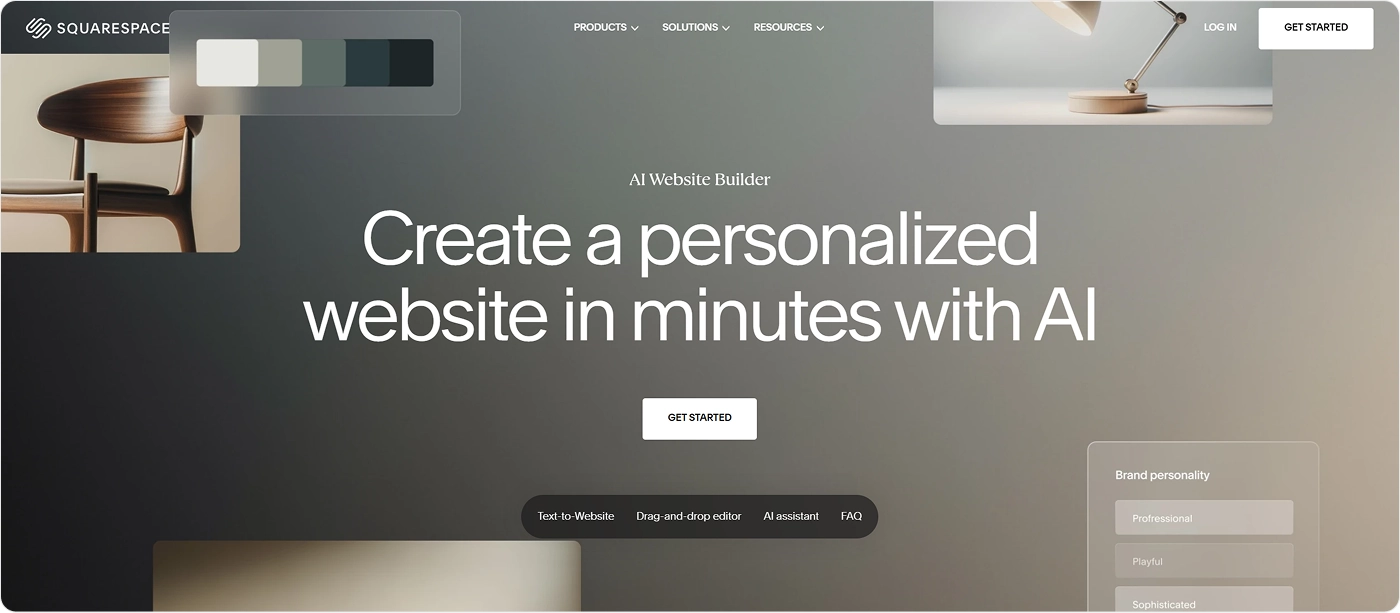
Squarespace takes a more guided approach. You describe the business, choose the direction, colors and typography. Blueprint AI then generates a personalized multi-page website that can be edited inside the standard Squarespace environment.
This is well suited to small businesses, professional services, portfolios and companies that need a straightforward website without a custom technical setup.
Hostinger AI Builder
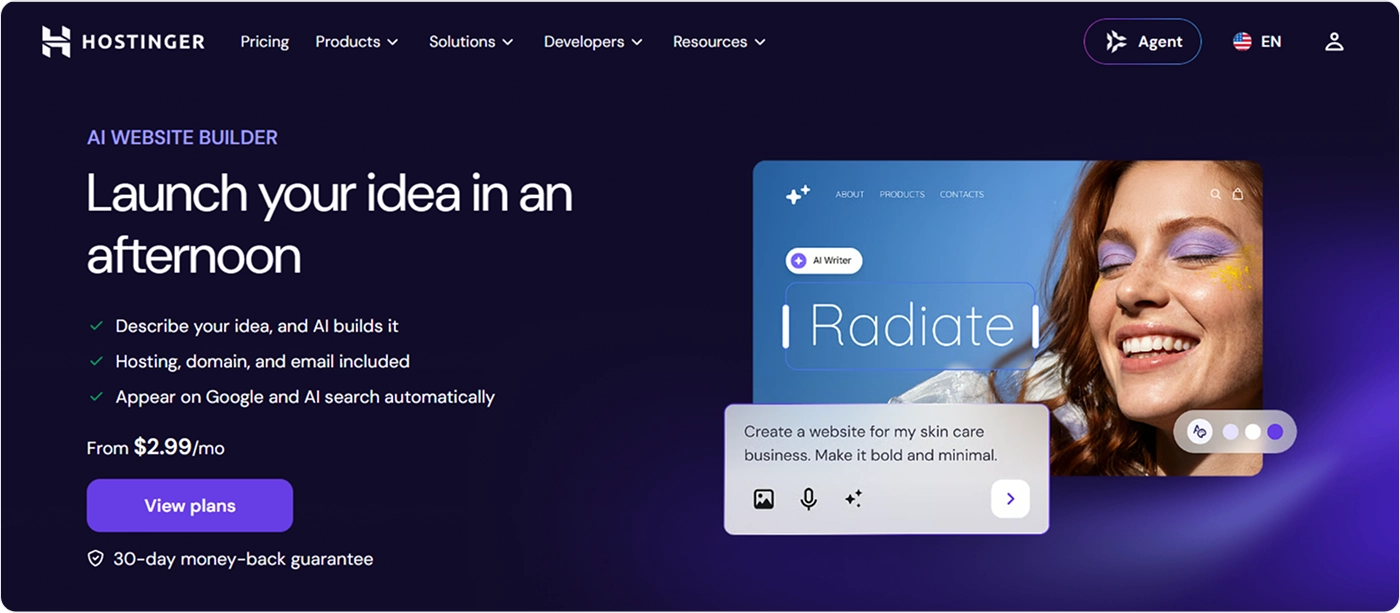
Hostinger now combines a traditional visual website builder with an agentic mode. In manual mode, AI generates a site that can be edited through drag-and-drop tools. In agentic mode, users can go further into web apps, user accounts, backend functionality and ecommerce through conversation.
That makes it broader than a conventional website builder and useful for small business sites, ecommerce and relatively simple web applications.
10Web
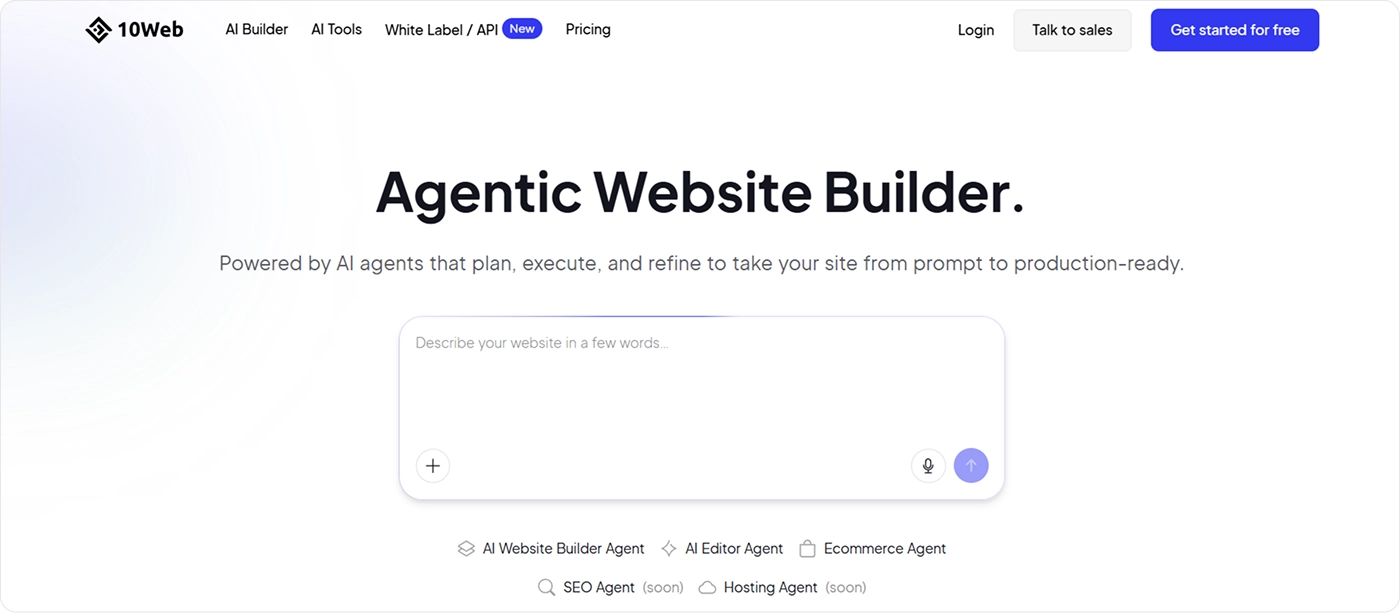
10Web focuses heavily on AI-generated websites with a WordPress-based workflow. A prompt can generate the site structure, visual direction and content, after which the result can be customized and published through the platform.
It is particularly relevant for companies that want the speed of AI generation but still prefer to work within the WordPress ecosystem.
Lovable
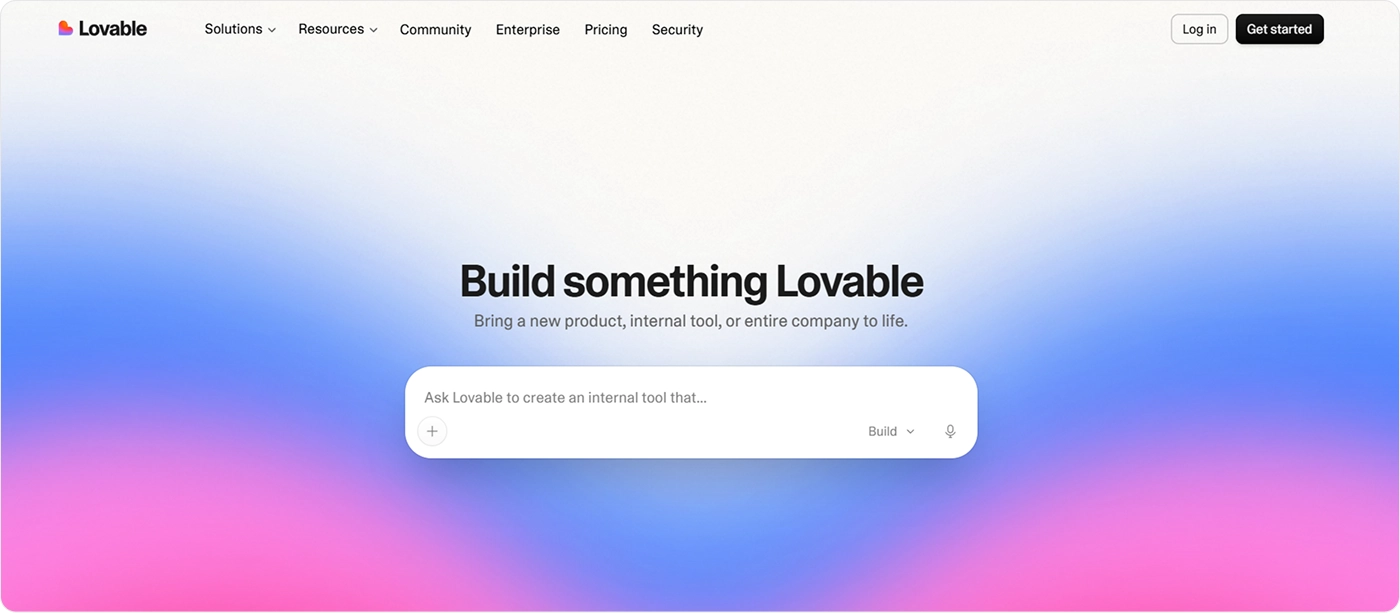
Lovable moves closer to product development than a traditional website builder. It can generate complete websites and web applications through conversation, including interface, forms, hosting and more complex application logic.
For startups, it can be a practical way to move from an idea to a working prototype or early MVP without assembling a full product team first.
Replit Agent
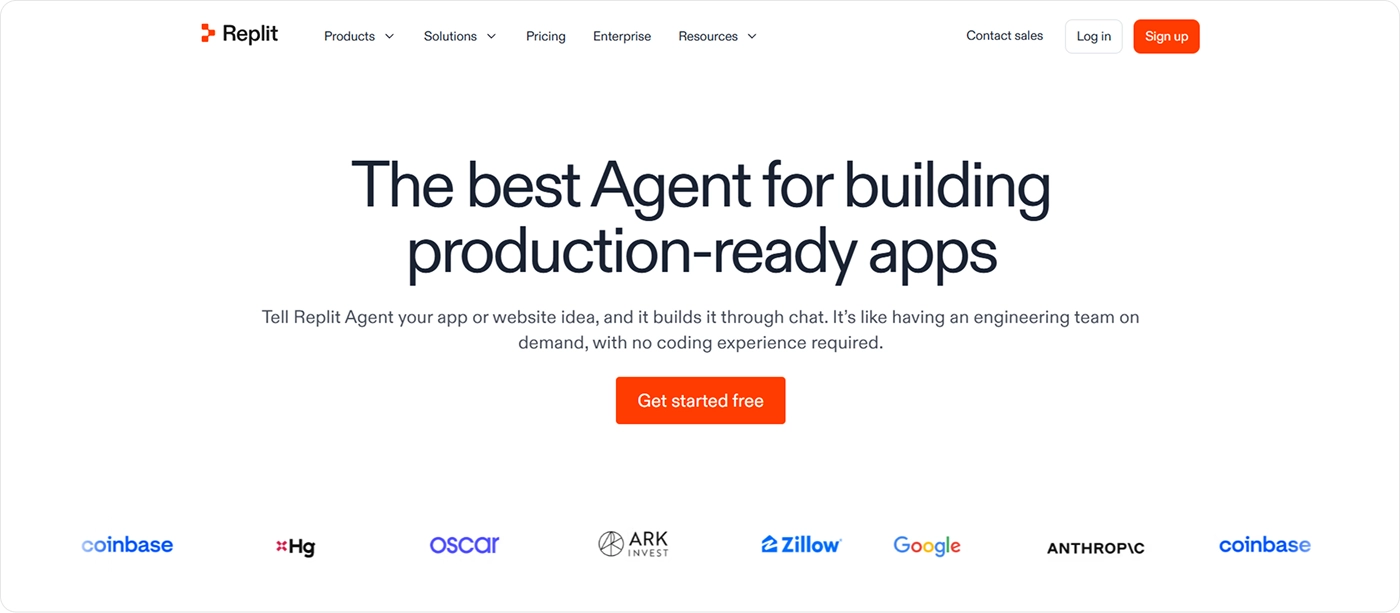
Replit approaches the problem more like an AI developer than a visual builder. Users can describe what they want to build and let the agent work through implementation, debugging and deployment inside the same development environment.
It is better suited to custom web applications and prototypes than to someone who simply wants to visually assemble a marketing site.
Bolt
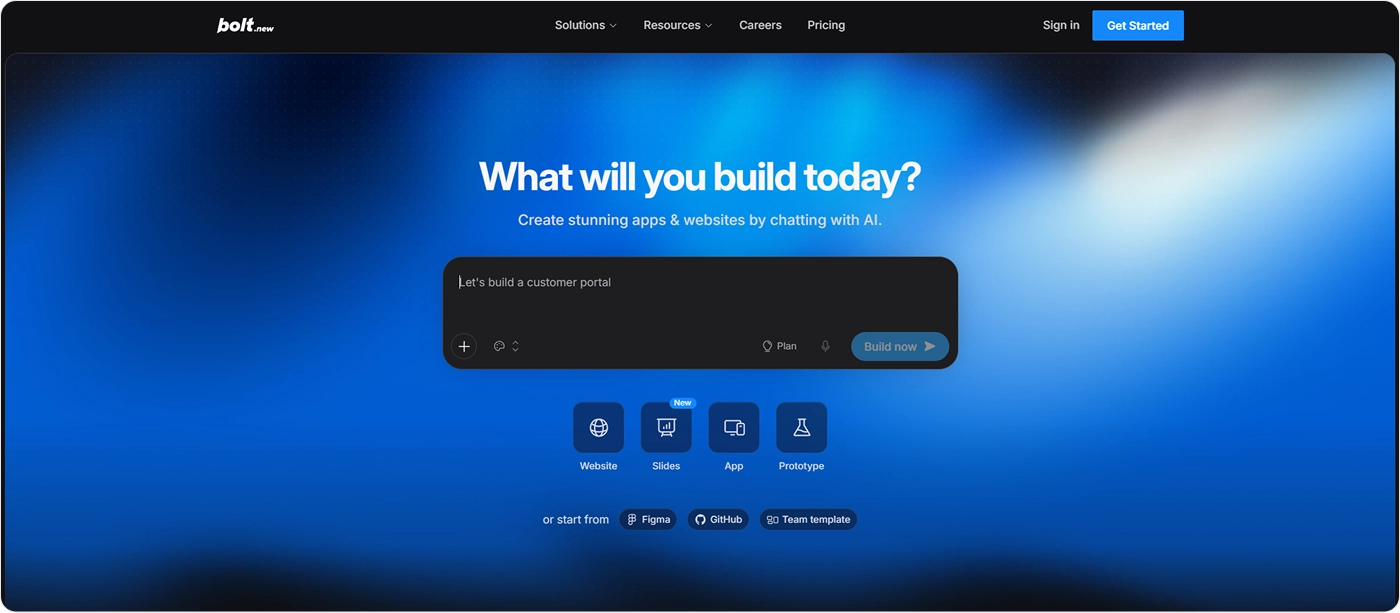
Bolt follows a similar prompt-to-code model. It can generate websites and full web applications, including interface, application logic and deployment, while also giving users access to the generated code. Bolt currently positions itself around both websites and more complex apps rather than traditional no-code site building.
This makes it useful for prototypes, MVPs and projects where custom functionality matters more than working inside a fixed website template.
What all of these tools have in common
The tools above are very different, but they are all very good at shortening the distance between an idea and the first working version. What used to require several specialists can now happen inside one platform or through a combination of AI tools.
The limitations usually become more visible when that first version needs to grow into a system that people rely on every day.
This is especially noticeable in larger companies. A website may be shared between marketing, content, design, development, SEO, analytics and IT teams, each with its own requirements and workflows. AI agents can automate parts of that process, but somebody still has to understand how those parts connect and make sure changes made in one area do not create problems somewhere else. In a large organization, that responsibility is rarely handled by one person.
We see the same issue on the development side. AI is very effective at producing new code and fixing isolated problems, but it is much weaker at maintaining the overall quality of a growing codebase. It can refactor individual pieces when asked, but in practice it often solves a problem locally by adding another condition or workaround instead of reconsidering the underlying structure. Over time, somebody experienced still needs to review what has been generated and clean up the decisions that no longer make sense.
Responsive behavior is another area where the result can look finished before it really is. Desktop versions generated by AI are often convincing very quickly, while mobile layouts still need much more manual attention once the page contains real content, unusual screen sizes, complex navigation or motion.
These tools can clearly build websites. The harder part begins when the website grows and somebody has to keep the entire system consistent, maintainable and reliable over time.
When an AI website builder makes sense
An AI website builder makes the most sense when the project is relatively small, the requirements are predictable and rebuilding it later would not create a serious business problem.
A startup landing page is an obvious example. The company may still be testing its positioning, product and audience, so there is little reason to build a complex system for a business that may look very different three months later. The same applies to prototypes, temporary campaign pages, personal websites and simple internal tools.
Even in these cases, someone still needs to decide what the site should say, prepare the content and media, check desktop and mobile layouts, connect the required services and make sure everything works after deployment. The difference is that AI can now help one person cover much more of this process without involving a separate specialist at every stage.
For someone building alone, this may mean using several tools together: one for structure and copy, another for images or video, and a builder or coding agent for implementation. More integrated platforms are gradually bringing those tasks into the same environment, but the person using them still needs enough understanding to recognize when the result is not ready.
The first version can give a false sense of progress
AI tools are impressive because the early progress is extremely visible. You describe what you need and, within minutes, there is a homepage, navigation, responsive sections and sometimes even working functionality. It is easy to look at that result and assume that most of the project is already finished.
The problems become more visible once the website meets real conditions. Content gets longer than expected, editors upload images in the wrong proportions, forms fail, APIs respond slowly, marketing adds another tracking script and new pages need to fit into a structure that was never designed for them. A website also needs to remain understandable to the people who will update it six months after the person who built the first version has moved on.
This is why we do not choose technology based on how quickly it produces the initial result. We first look at what the website needs to achieve, who will maintain it, what systems it needs to connect to and how much it is likely to change.
For a small project, an AI builder may still be the best answer. For a website expected to grow into an important part of the business, custom development can provide much more control over what happens after launch.
Custom development is changing too
Custom development should not be understood as the opposite of AI. Designers and developers working on custom projects use the same tools for research, prototyping, code generation, debugging and repetitive implementation.
The main difference is that an experienced team remains in control of the result. AI can generate a component or suggest a technical solution, but the team decides whether it fits the architecture, whether it should be rewritten and how it affects performance, CMS behavior or future development. AI speeds up the work without becoming the only layer responsible for it.
This means the gap between AI builders and custom development is increasingly about control, flexibility and long-term responsibility rather than simply who writes the code.
Choose based on what happens after launch
There is no reason to use custom development when a simpler tool can solve the problem well. For a landing page, prototype or early startup website, an AI builder can save a significant amount of time and money and may be all the project needs.
The decision becomes more important when the website has a longer life ahead of it. If several teams will manage it, new functionality will be added regularly, integrations are business-critical or the website plays an important role in sales and marketing, control over the underlying system becomes much more valuable.
AI builders will keep becoming more capable, while custom development will also become faster as teams use AI throughout the process. For now, the practical approach is to start with the requirements rather than the tool and choose the simplest setup that can support where the website is realistically going next.
Frequently asked questions
Are AI website builders good enough for business websites?
Yes, for many small business and startup websites. They work particularly well when the site has a straightforward structure, limited integrations and no highly custom functionality.
For larger websites, the limitations usually become more noticeable around content management, integrations, performance, maintenance and the ability to support new requirements over time.
Is custom development becoming unnecessary because of AI?
No. AI is reducing the amount of manual work involved in custom development, but it does not remove the need for architecture, technical decisions, testing and maintenance. In practice, custom development is becoming more AI-assisted, allowing experienced teams to move faster while still controlling how the system is structured and what reaches production.
Can I start with an AI website and rebuild it later?
Yes. For early-stage companies, this can be a sensible strategy because a simple first version can help validate positioning, content and demand before investing in a more scalable system. The important part is recognizing when the original setup begins to limit what the business needs to do next.
Is an AI website cheaper than custom development?
Yes, in most cases the initial cost is significantly lower. An AI builder can remove much of the design and development work required to launch a simple website, and many platforms include hosting and basic functionality in the same subscription.
The comparison becomes less straightforward as the website grows. Custom integrations, manual fixes, migration or rebuilding can increase the long-term cost if the original platform can no longer support what the business needs.
Does Cuberto use AI in custom development?
Yes. We use AI across design and development for research, prototyping, repetitive implementation, debugging and documentation.
It helps us move faster, but decisions around UX, architecture, code quality, performance and the final implementation remain with the team.
Which AI website builder should I choose?
It depends on what you are building. Framer and Squarespace are better suited to visual marketing websites, while 10Web is relevant for WordPress-based projects. Lovable, Replit and Bolt go further into prototypes, web applications and custom functionality.
The right choice depends on whether you mainly need a website editor, a CMS or an AI tool capable of generating and maintaining application code.